
Zycoo
ZYCOO EA-B11 Call Button with Microphone for Network Speakers

- SKU:
- EA-B11


Description
Add a call button to your network speaker installation
The ZYCOO EA-B11 combines a built-in microphone with an illuminated call button. Connected to a compatible ZYCOO network speaker, such as the SC15 or SW15, it enables two-way voice communication with a preconfigured destination.
Consider it for a warehouse counter, office area or retail service point where staff need a simple way to contact another location. Place the button where it is easy to reach and plan the speaker position around the conversation area.
Calling and audio controls
- Press to call: Initiate a call to the configured destination.
- Incoming-call indication: The LED flashes when a call arrives; press the button to answer.
- Audio playback: Configure the button to trigger the connected speaker to play a ringtone or custom audio message.
- HTTP actions: Trigger an HTTP URL action through a compatible speaker.
- Web configuration: Configure and control the accessory through the connected speaker’s web interface.
A compatible ZYCOO network speaker is required. The EA-B11 is an expansion accessory; include the appropriate speaker in your project design.
Technical specifications
| Model | ZYCOO EA-B11 |
|---|---|
| Front panel | 6063 aluminium alloy |
| Mounting | Wall or flush mounting; compatible with standard 1-gang electrical boxes |
| Dimensions | 114 × 70 × 30 mm (4.49 × 2.76 × 1.18 in.) |
| Weight | 276 g |
| Operating temperature | −20°C to +70°C |
| Humidity | 10–95% RH, non-condensing |
Downloads and documentation
ZYCOO EA-B11 Call Button Datasheet (PDF)
Plan your IP audio project with Alpha Intercom
Tell us where the button will be installed, which speaker you plan to use and who should receive the calls. Alpha Intercom can help you select the components for your project, with locations in Toronto and Laval serving the Montreal area.
Contact Alpha Intercom for project pricing and product selection.
Related Products
Related Products

ZYCOO PB-S11 SIP Call Button with PoE
Zycoo

ZYCOO SH30 IP Horn Speaker
Zycoo

ZYCOO M-100 IP Paging Microphone Console
Zycoo
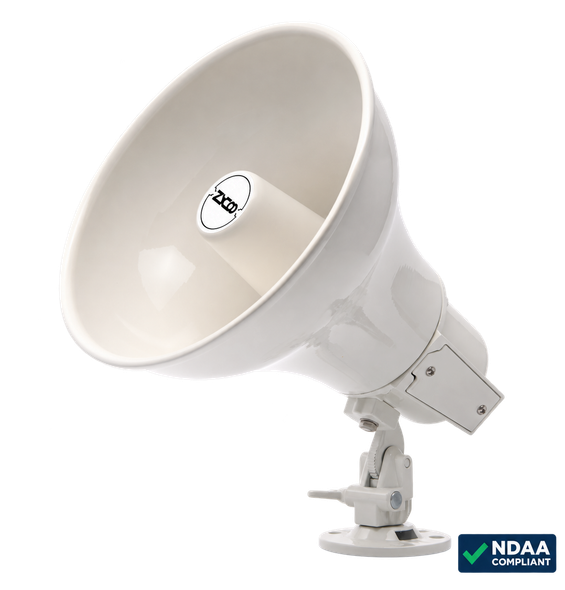
Zycoo SH10 SIP Network Horn Speaker – PoE+, IP66, 115 dB
Zycoo
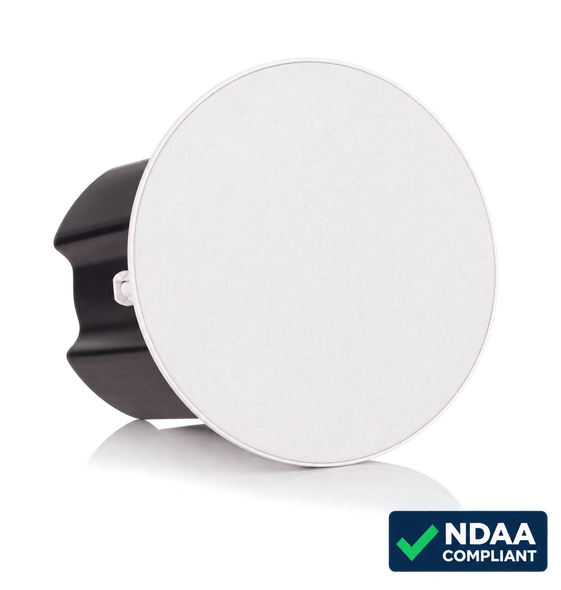
ZYCOO SC15 15W SIP Ceiling Speaker with PoE+
Zycoo